
Globe SIM No Signal Issue – Complete Fix Guide (2026)
SIM signal issues are very common in Globe users; many users experience this problem, especially after SIM replacement, phone updates, or network outages. A weak or no signal means your device is not connected to the Globe network; you cannot make calls, send messages, or use mobile data. This can happen due to network issues, or sometimes it’s a SIM card problem, which can be very frustrating
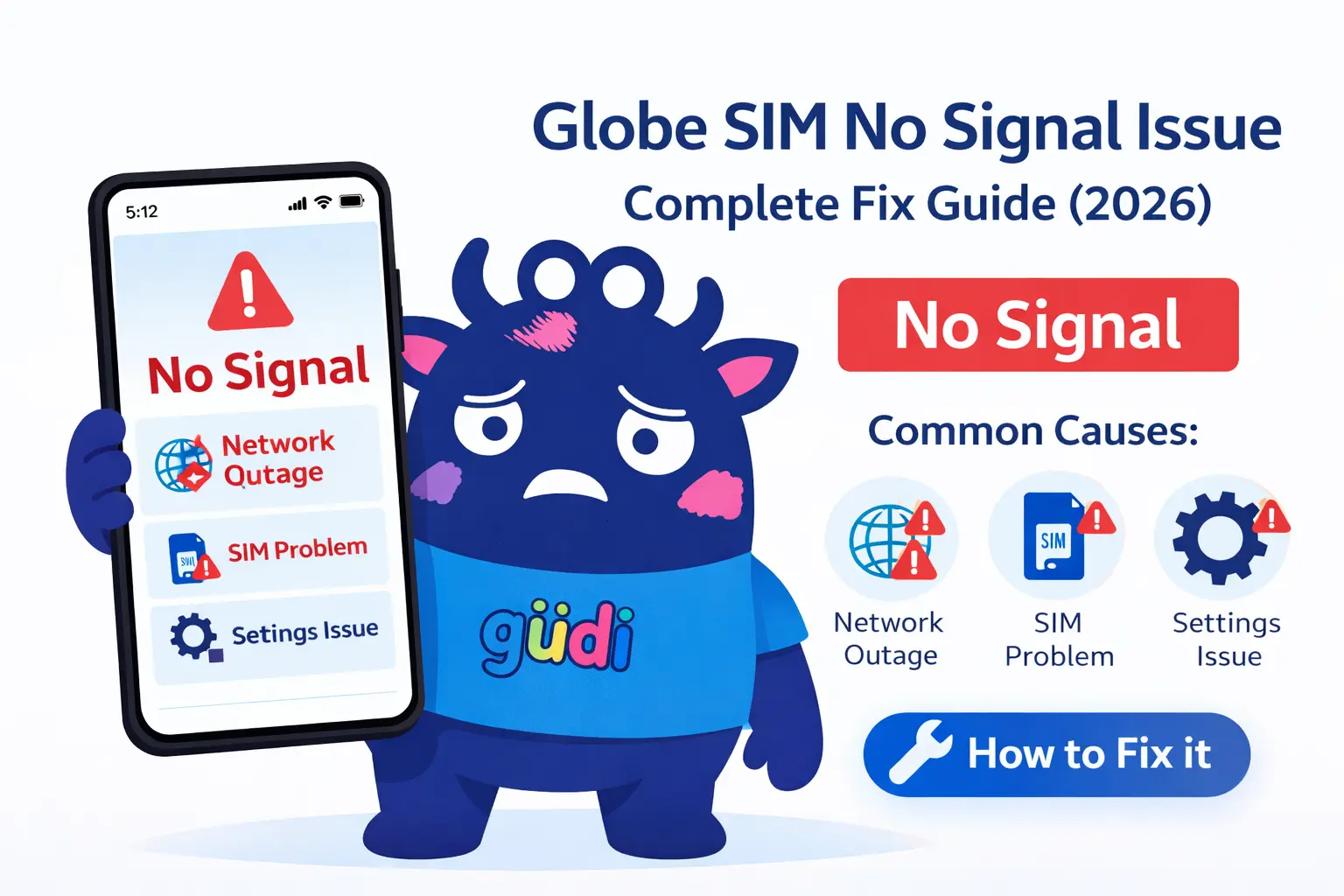
Common Causes of Globe SIM No Signal
Understanding the cause is important before fixing the problem. Here are the most common reasons that cause problems, and you need to fix them instantly to recover your weak signal
Network Outage
Sometimes Globe network service may be temporarily down in your area dua to maintenance or technical issues
SIM Card Problem
A damaged, old, expired, or improperly inserted SIM card can cause signal issues
Incorrect Network Settings
Wrong network or manually selected network settings may prevent your phone from connecting
Airplane Mode Enabled
If airplane mode is turned on, your device will not connect to any network, and it will not be possible to make any calls or receive any messages
Phone Software Issues
Outdated software or system bugs can also affect signal reception
Coverage Area Issue
If you’re in a remote or underground area where signals drop, this may be the biggest issue for weak or unavailable issues
How to Fix Globe SIM No Signal Issue
Here are the best and easiest ways to fix your weak or unstable signals
Restart Your Phone
Restart your device. A simple restart can fix temporary issue glitches
- Turn off your phone
- Wait for 10 to 15 seconds
- Turn it back on
Turn Airplane Mode On/Off
This is a quick way to reset your signal
- Turn ON airplane mode for 30 seconds
- Turn it off again
Check the SIM Card Properly
Remove your SIM card and reinsert it carefully
- Clean the SIM gently
- Ensure it is properly placed
- Try inserting it in another phone
Set Network Mode to Automatic
Manual network settings can cause issues
- Go to your mobile settings
- Settings → Mobile Network → Network Operators → Select Automatically
Update Your Phone Software
Outdated software may cause bugs
- Go to the settings → Software Update
- Install the latest update
Reset Network Settings
If there is still no signal, simply restart
- Go to the network settings
- Reset your network
Check Your Location
If you’re in a low coverage area
- Move to an open space
- Go near a window
- Try a different location
When to Contact Globe Support
If your Globe SIM still shows no signal after trying all fixes, you should contact Globe customer support
Possible reason include when to contact support
You may need to replace your SIM card with a new one
Tips to Avoid Signal Issues
Here are some useful tips for Globe users to avoid weak signal issues and prevent this problem in the future.
💡 Prevention Tips
- Always keep your phone updated
- Avoid using damaged SIM cards
- Dont change network settings unnecessarily
- Keep your SIM registered and active
- Use a compatible smartphone.
Conclusion
The Globe SIM no signal issues are very common and easy to fix; sometimes this may happen because of the network system, or usually it’s your SIM card problem. Start with simple solutions like restarting your phone or checking your SIM card. If the problem continues resetting network settings or contacting Globe support can help
By following this guide you can quickly restore your signals and stay connected without interruptions.
FAQs
Related Article: How to Activate Globe SIM (Complete Guide 2026)
