
How to Activate Globe SIM (Complete Guide 2026)
Activating your Globe SIM is simple and easy, but many users get confused about the registration and activation process in 2026. SIM registration has become easy and digital. Also, activation is directly connected with SIM registration, so you must complete registration to start using your mobile number. In this guide, you will understand the entire process of activating the registration process and how to activate Globe SIM using different methods
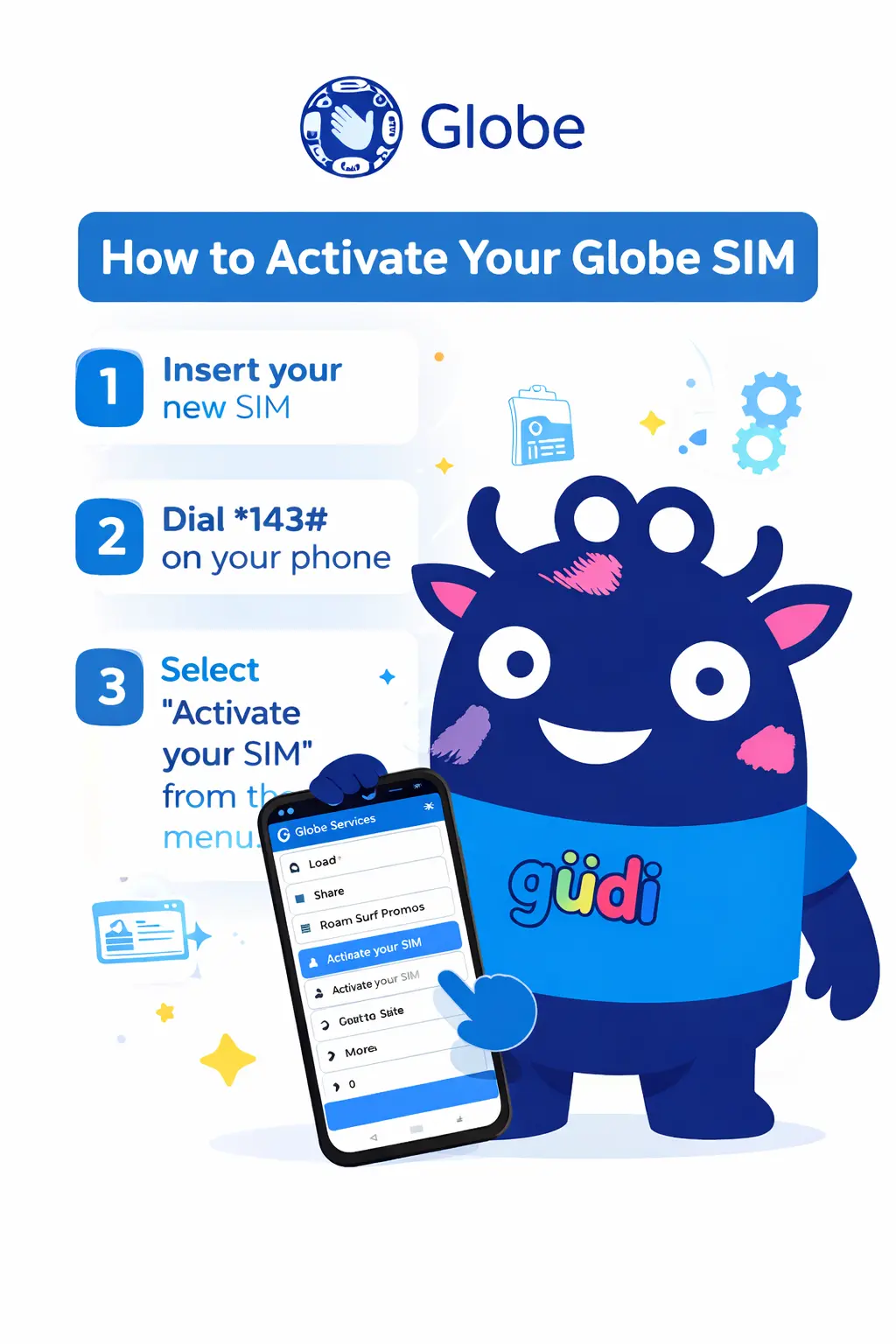
How to Activate Globe SIM Card
To activate your Globe SIM, follow these steps for a smooth experience without any errors
- Turn off your mobile phone
- Insert your Globe SIM card into the SIM slot
- Turn your phone back on
- Wait for the network signal to appear
Methods to Register and Activate Globe SIM
After inserting the SIM, you must complete the registration process using these methods to make your smooth experience without any complications
Method 1: Activate Globe SIM via the Official Registration Website
This is the most commonly recommended method by many users- Visit the official Globe SIM registration website
- Enter your Globe mobile number
- Verifying using OTP
- Fill in personal details such as name, address, and date of birth
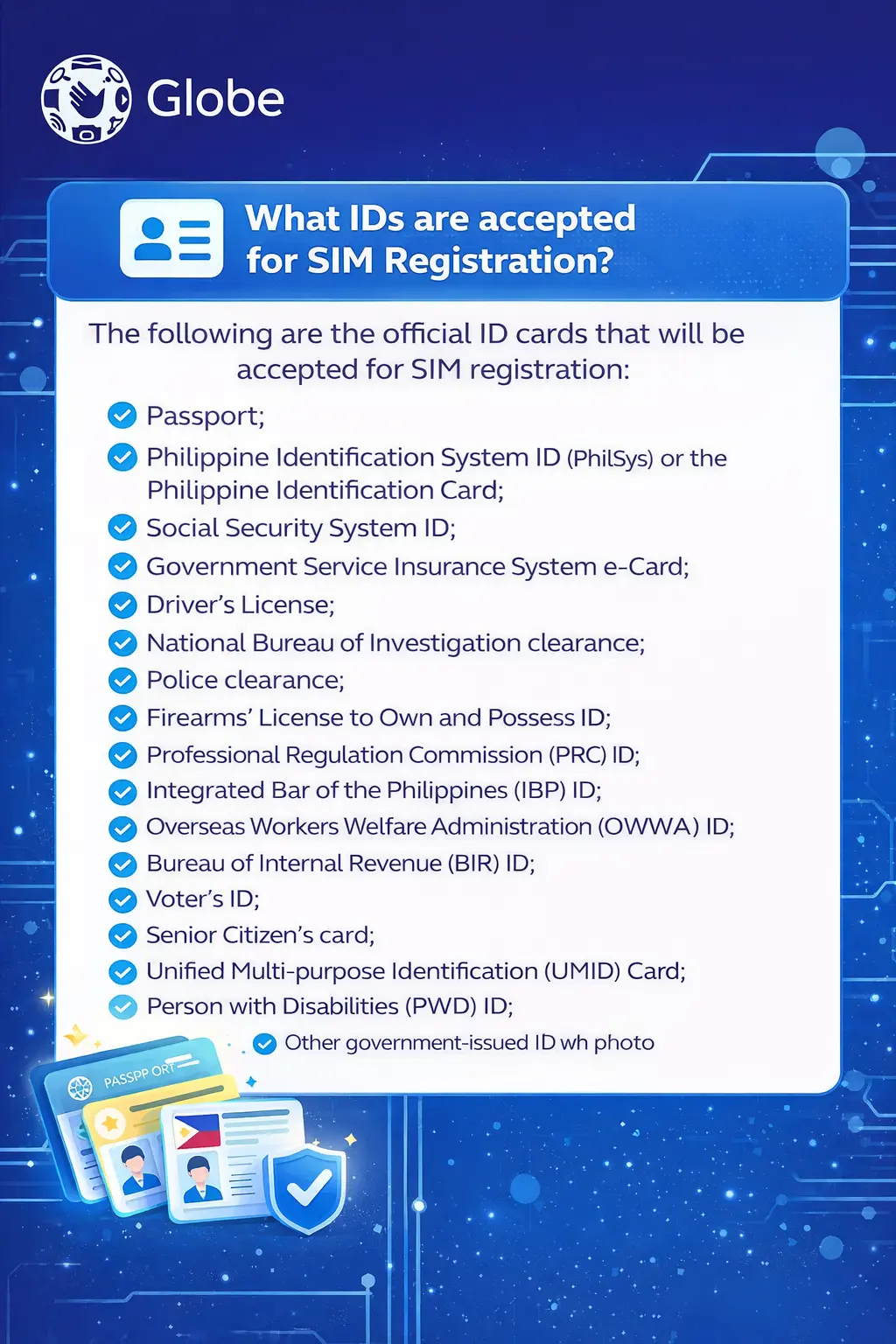
- Upload a valid ID card
- Submit the form
Method 2: Activate Globe SIM Using GlobeOne App
You can also register and activate your SIM through the Globe One mobile app- Download the Gloeone app from the Play Store or App Store
- Open the app and sign up using your number
- Enter OTP for verification
- Complete your profile details
- Upload a valid ID card
- Submit registration
Method 3: Activate Globe SIM at Globe Store (Offline Method)
If you’re unable to register your SIM online, you can simply visit the Globe official store- Go to the nearest Globe service center.
- Bring your valid ID card
- Provide required details
- Staff will complete the process for you
How to Check if Globe SIM is Activated
After successful activation, you should verify your Globe SIM status to see if it’s activated or not
Verifying using these methods:
Make a testing call
Try calling any number to check if voice services are working
Send an SMS
Send a text message to verify messaging functionality
Turn on mobile data
Check if internet connection is available
Dial *143#
Use this USSD code to check services and balance
How Long Does Globe SIM Activation Take
Activation usually takes time, but it depends on the registration process
Automatic activation in 5 to 20 minutes
For basic network connection after SIM insertion
After registration, instantly or within a few hours
Once you complete the registration process
Maximum time up to 24 hours
In rare cases with high verification volume
⚡ Important Note
Keep your phone on and do not remove the SIM during this time
Common Globe SIM Activation Issues and Solutions
Some users face major problems during activation, which cause delays or rejections. If you understand the problem, you will solve it by yourself. Here are quick fixes
🚫 No Signal Issue
- Restart your phone
- reinsert SIM card
- Move to a better place for strong signals
📝 SIM Not Registered
- Complete SIM registration again
- Check if the details are correct.
- Visit Globe customer service
📵 No OTP Received
- Wait for a few minutes
- Ensures the network signal is strong
- Retry in 5 minutes
Tips for Successful Globe SIM Activation
If you follow these steps, you will get a better experience. Follow these tips for Globe SIM activation
💡 Pro Tips
- Always register your SIM immediately
- Use a valid ID
- Ensure correct personal information
- Keep your phone charged
- Use a network-supported device
Conclusion
In 2026, you will easily activate your Globe SIM using different methods, whether you choose online registration, the mobile app, or visiting a store. The process is simple and easy; if you follow the correct steps by completing SIM registration and activation properly, you can start using calls, SMS, and mobile data without any issues